PLC Program and HMI Interface Translation: A Practical Guide for Siemens, Mitsubishi, and Touchscreen Localization
Explore the challenges and best practices in translating PLC programs and HMI interfaces, focusing on Siemens, Mitsubishi, and touchscreen localization to ensure safety and compliance in global manufacturing.

Introduction
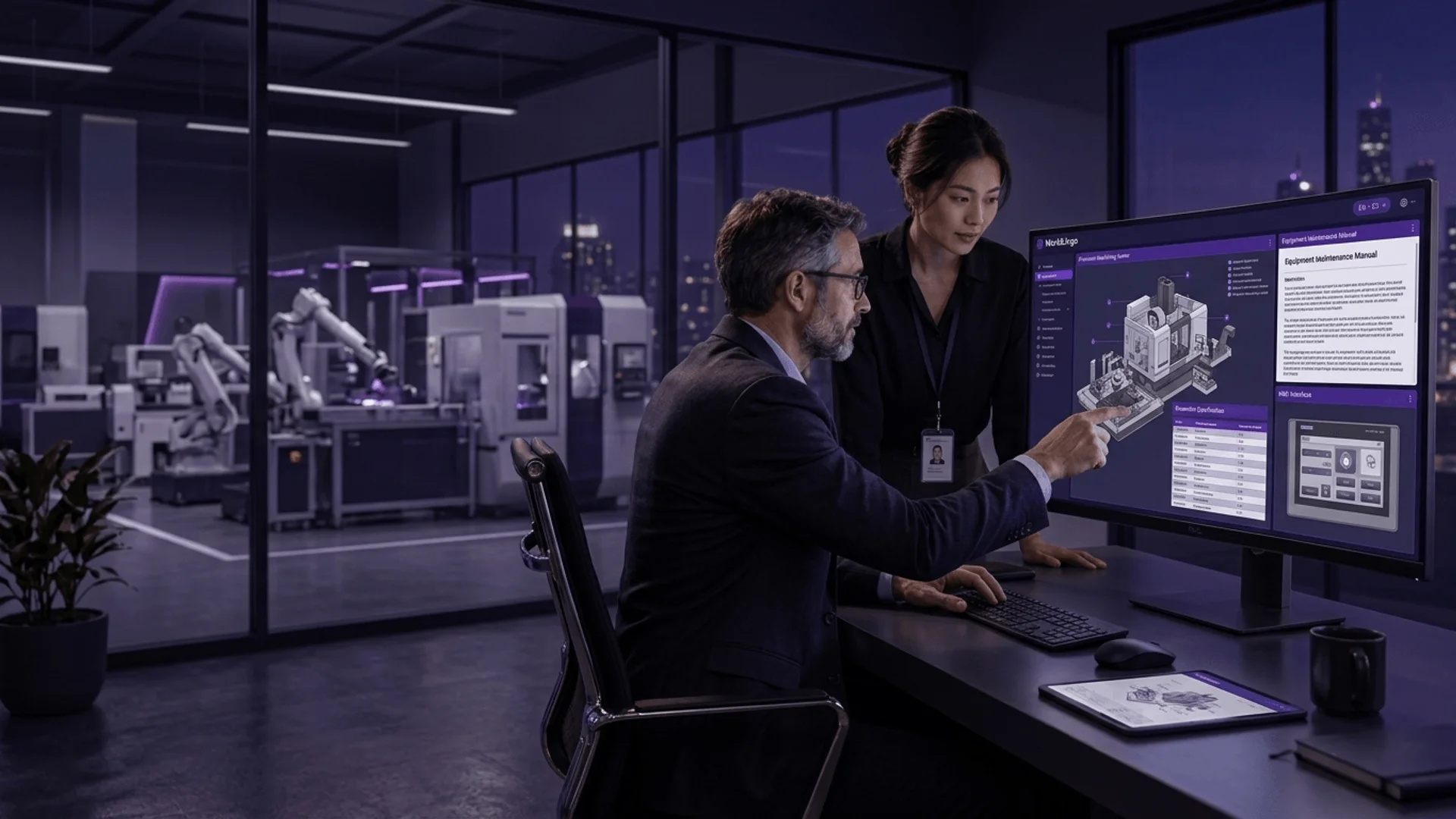
In the era of global manufacturing, exporting equipment and deploying it across borders requires precise localization of PLC (Programmable Logic Controller) programs and HMI (Human-Machine Interface) screens. However, translating PLC programs and HMI interfaces is not merely a linguistic exercise; it involves engineering adaptations in variable naming, alarm messages, operational logic, and safety prompts. Localization for major PLC platforms such as Siemens and Mitsubishi, as well as various touchscreens, must balance technical specifications with user experience. This article delves into the core aspects of PLC and HMI translation, offering actionable methodologies for engineering teams.
Core Challenges in PLC and HMI Translation
Technical Terminology Accuracy
PLC programs contain a wealth of technical terms in variables, comments, and alarm texts, such as "emergency stop," "overload," and "PID control." Translators must ensure that terminology is consistent within the target language and industry. For instance, the German "Not-Aus" corresponds to "emergency stop" in English, but a literal translation might not convey the urgency required for operator response.
Character Encoding and Display Constraints
HMI touchscreens have limited display areas, and different brands (e.g., Siemens WinCC, Mitsubishi GOT) impose strict character set and byte length limits. Multi-byte languages like Chinese and Japanese may exceed display capacity after translation, requiring font size adjustments or abbreviation strategies.
Variable and Logic Correlation
Variable names in PLC programs are often linked to HMI addresses; translation must preserve these mappings to avoid communication errors. Additionally, comments must be translated in a way that corresponds to the ladder logic or STL, ensuring maintainability.
Safety and Compliance Requirements
Equipment operation involves personal safety; alarm messages and safety prompts must be translated accurately and comply with target market regulations (e.g., CE, UL). For example, the EU Machinery Directive requires operator interfaces to be in official languages, and warning signs must adhere to ISO 7010.
Siemens PLC and HMI Translation Essentials
Siemens TIA Portal (e.g., S7-1200/1500) and WinCC HMI are mainstream in industrial automation. Key considerations:
- Variable Comments: TIA Portal supports multiple languages for variable comments, but you must enable the "project languages" feature in project settings.
- Alarm Texts: WinCC alarm texts can be exported to CSV, translated, and imported, ensuring alarm IDs remain unchanged.
- Character Limits: WinCC Comfort panels have maximum character limits (e.g., 32 characters) for text objects; check for overflows after translation.
Practical Checklist (Siemens)
- Enable multi-language settings in TIA Portal.
- Export variable comments and alarm texts; use CAT tools (e.g., SDL Trados) for consistency.
- Import and compile after translation; check character length and special characters (e.g., % placeholders).
- Test language switching on simulator or actual touchscreen.
Mitsubishi PLC and HMI Translation Essentials
Mitsubishi MELSEC series (e.g., FX5U, Q series) and GOT HMI (e.g., GOT2000) are widely used in Asia. Key considerations:
- Software Support: GOT2000's GT Designer3 supports multi-language projects, allowing language switch buttons.
- Font Issues: Fonts for Japanese, Chinese, etc., must be embedded to avoid garbled characters.
- Communication Protocols: Translation does not affect communication, but variable comments must align with the program.
Comparison Table: Siemens vs. Mitsubishi Localization Features
| Feature | Siemens (TIA/WinCC) | Mitsubishi (GT Designer3/GOT) |
|---|---|---|
| Multi-language Support | Built-in, requires enabling | Built-in, supports language switching |
| Text Import/Export | CSV/XML | CSV |
| Character Limits | Varies by panel model | Varies, generally more lenient |
| Font Embedding | Automatic | Manual setup required |
Best Practices for Touchscreen Interface Translation
Conciseness of UI Text
HMI screen space is limited; translations should be short and clear. For example, translate "Machine Fault" as "Equipment Fault" rather than a longer phrase.
Cultural Adaptation
Icons and colors have different meanings across cultures. For instance, red typically indicates alarm, but in some cultures, it may symbolize luck. It is advisable to use internationally recognized icons and adjust text wording.
Testing and Validation
After translation, comprehensive UI testing is essential:
- Language switching works correctly.
- Text does not overflow or truncate.
- Alarm messages trigger accurately.
- Operational logic remains consistent with pre-translation.
Translation Workflow and Tool Recommendations
Leverage CAT Tools for Consistency
Using translation memories (TM) and term bases (TB) ensures consistency across projects. Recommended tools: SDL Trados, memoQ.
Collaborate with Engineering Teams
Translators must work closely with PLC engineers to understand logic and avoid misinterpretation. Provide contextual screenshots or variable tables.
Quality Assurance (QA) Steps
- Double review: technical expert and language expert separately.
- Simulation testing: run HMI in a simulated environment to check display.
- User acceptance: have native-speaking operators test.
Conclusion and Actionable Advice
PLC program and HMI interface translation is a critical step in equipment globalization, directly impacting operational safety and user experience. By following the best practices outlined above, manufacturers can mitigate localization risks and enhance product competitiveness.
If you are planning a localization project, feel free to contact WorldLingo for professional technical translation and localization support. Our team is familiar with Siemens, Mitsubishi, and other platforms, and can provide tailored solutions.
Expanding globally or tackling translation compliance?
ISO 17100 certified. Get instant localization readiness diagnostic & quotation.
Share this article